
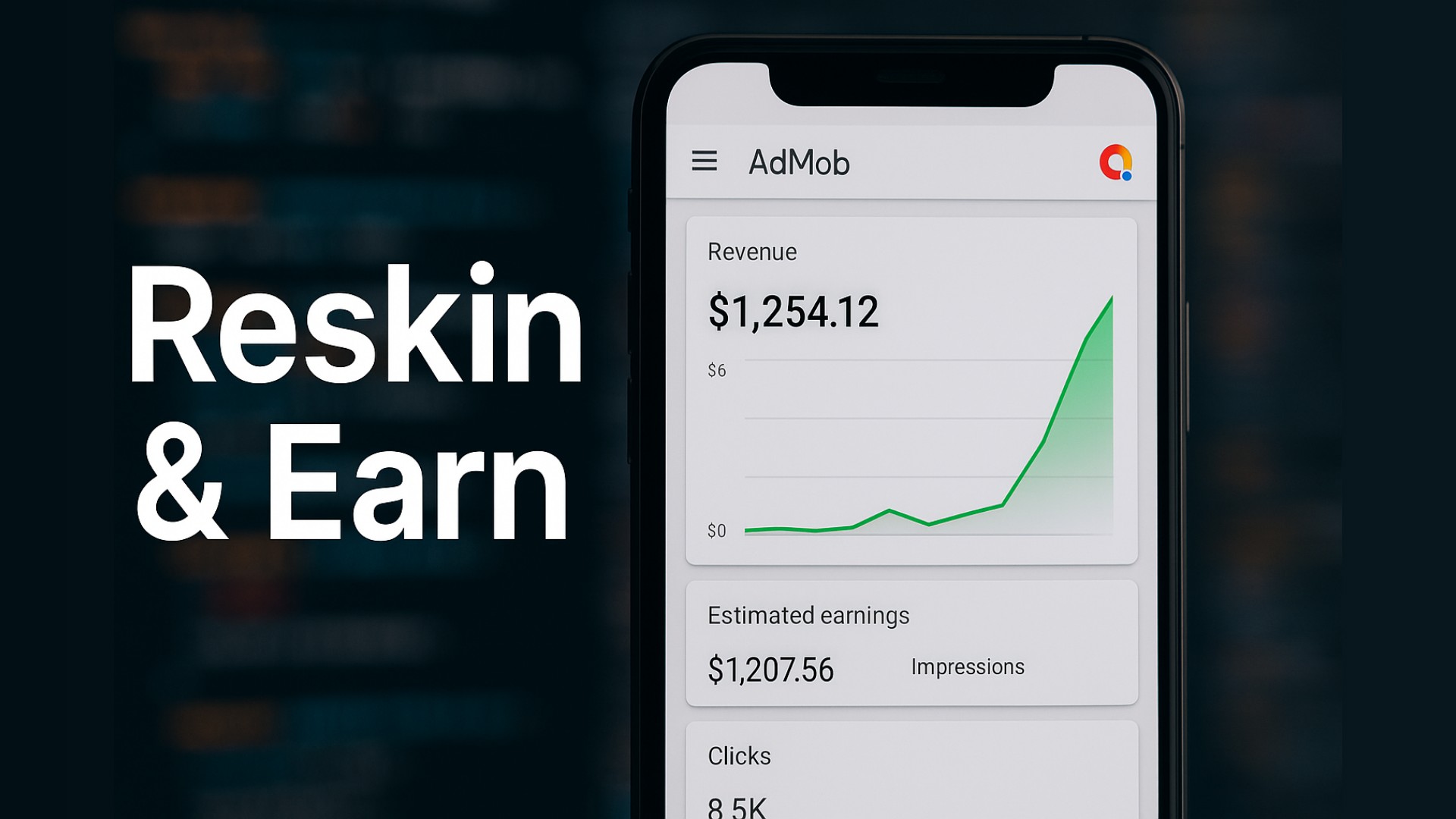
How to Monetize a Dormant Google Play Console Account
Remember the "good old days" of Android development? You paid your $25 one-time fee, uploaded an APK, and boom—your app was live in production within a few hours.
If you tried to do that today with a fresh account, you probably hit a wall so hard it rattled your teeth.
Google changed the game in November 2023. They didn't just move the goalposts; they dismantled the stadium. Now, if you are sitting on a Google Play Console account created before that date, you aren't just an app developer. You are holding a digital asset that is becoming rarer and more valuable by the day.
We are going to break down exactly why your dusty, unused console account is a goldmine, why new developers are tearing their hair out, and how you can turn that legacy status into serious revenue in 2026.

The Bottom Line: Why Old Accounts Win (The Snippet)
If your Google Play Console account was created before November 13, 2023, you have "Grandfathered" access to Production.
This means you can publish apps directly to the Google Play Store immediately. New personal accounts (created after this date) are blocked from publishing. They must first recruit 20 verified testers, run a Closed Test for 14 continuous days, and answer a battery of questions before they can even apply for production access. An old account skips this entire 2-4 week bottleneck.
The "20 Testers" Nightmare: Why New Devs Are Suffering
Let's be real. Finding 20 people to install your buggy initial release is hard. Finding 20 people who will keep it installed for 14 straight days and "engage" with it is nearly impossible for a solo indie developer.
This is the new reality for personal accounts created after late 2023. Google calls it "quality control." Developers call it "The Purge."
Here is what the process looks like for a new account holder:
- Recruit: You have to find 20 unique Gmail addresses.
- Opt-in: They must manually opt-in to your closed track.
- The Wait: The clock starts. If anyone uninstalls on day 12, does the clock reset? Sometimes. It's murky.
- The Application: After 14 days, you don't just get access. You apply. You answer questions about your app's value. Google can—and does—reject you, forcing you to start the testing loop over.
Pro Tip: Think of a new Play Console account like a learner's permit. You have to drive with a chaperone for weeks before you get your license. An old account is a full, unrestricted license to drive on the Autobahn immediately.
The Market Value of "Instant Access"
Because of this hurdle, the black market and grey market for "Old Play Console Accounts" has exploded. We aren't telling you to sell yours (that violates ToS and is risky), but you need to understand the value.
Time is money. For a reskinning business or a trend-chasing developer, waiting a month to publish is a death sentence. If a meme coin or a viral trend pops off, you need an app up today. Only old accounts can do that.

Strategic Advantages of the "Grandfathered" Account
It's not just about skipping the line. There are nuances to older accounts that savvy developers leverage.
1. Trust Score & Verification
While Google never explicitly reveals "trust scores," empirical evidence suggests older accounts have a longer leash.
- Identity Verification: Many older accounts verified their identity years ago under looser restrictions. While Google is actively re-verifying everyone (the "Dun & Bradstreet" requirements for orgs, and ID checks for individuals), a verified account with a history of clean behavior is less likely to trigger an instant bot-ban upon uploading a new app.
- The "Grey" Zone: New accounts are watched like hawks. A slight policy violation (like a metadata issue) on a new account might lead to an immediate termination. On a 5-year-old account with previous successful apps, you might just get a rejection email and a chance to fix it.
2. AdMob Synergy
Your Play Console account doesn't live in a vacuum. It is usually tied to a Google account that might also have an older AdMob account. New AdMob accounts often face "Ad limits" while Google assesses traffic quality. Older AdMob accounts that have received payouts in the past often bypass these temporary ad limits.
Expert Note: If you have an old Play Console but a new AdMob account, be careful. Linking a fresh, unverified AdMob account to a "trusted" Play Console can sometimes flag the Play Console for review. Always try to match the "age" and trust level of your connected services where possible.

How to Monetize Your Old Console in 2026
So you have the account. It's sitting there gathering digital dust. How do we turn it into cash without getting banned?
Strategy A: The "Publisher" Model (Joint Ventures)
This is the safest and most lucrative legitimate path. There are thousands of developers who can code but can't publish because they are stuck in "20 Testers" purgatory.
- The Deal: You act as the publisher. They provide the APK and assets.
- The Split: You take a percentage of ad revenue (usually 20-40%) or a flat fee for hosting the app.
- The Risk: This is crucial. If they provide a malicious app (malware, copyright theft), your account gets banned.
- Mitigation: You must audit their code. Use tools to scan their APKs. Require them to sign a contract indemnifying you. Never give them your login credentials; you upload the build.
Strategy B: Asset Flipping & Reskinning
Since you can publish instantly, you are perfectly positioned for "Reskinning."
- Buy a source code license for a popular game type (e.g., a Sudoku app or an Endless Runner) from a marketplace like CodeCanyon.
- Change the graphics (the "skin"), music, and package name.
- Implement your Ad IDs.
- Publish immediately. Because you skip the 14-day wait, you can test 10 different game concepts in a month. A new account would take 5 months to test that many ideas.
Strategy C: Selling the Account (The Nuclear Option)
We have to address the elephant in the room. You can sell these accounts.
- The Reality: People pay $500 to $1,500+ for verified, pre-2023 accounts.
- The Risk: It is strictly against Google's Terms of Service. If Google links the transfer to a change in IP, MAC address, or payment profile, they will terminate the account. The buyer loses money; you lose your reputation (and potentially your ability to ever open a Google account again).
- Our Advice: Don't do it. The recurring revenue potential of using the account outweighs the one-time cash out.

The "Safety Dance": Keeping Your Old Account Alive
Just because you are grandfathered in doesn't mean you are invincible. In fact, you have a target on your back. Google is cleaning house in 2026.
1. The Dormancy Trap
If you haven't logged in or published anything in over a year, Google might close your account for dormancy.
- The Fix: Log in at least once a month. Update a store listing description. Push a small bug fix to an old app. Show signs of life.
2. The "High Risk" Behavior
Do not get cocky. Since you have instant access, you might be tempted to upload "grey hat" apps (casino guides, dubious loan apps, copycat games).
- The Reality: Google's AI review is sharper than ever. If you get 3 strikes (policy violations), your account is terminated. Once terminated, you are terminated. Google tracks you by credit card, device ID, and even behavioral patterns. You won't be able to open a new account.
Pro Tip: If you are planning to publish a risky app or test a new niche, do not use your main, grandfathered account. It is better to suffer through creating a new account (and the 20 testers rule) for risky ventures than to burn your primary asset.
Step-by-Step: reviving a Dead Account
If your account has been inactive since 2022, here is your revival checklist before you publish:
- Check Policies: Go to the "Inbox" and "Policy Status" section. Acknowledge any pending updates (e.g., Data Safety forms, Advertising ID declarations).
- Update Payment Profile: Ensure your merchant profile is active and your bank details are current. Expired credit cards can trigger account holds.
- The "Warm Up" Upload: Do not start with a massive, complex app. Upload a simple, clean utility app (like a flashlight or a unit converter). Let it go through review. This signals to Google's bots that the account is active and "safe" before you push your heavy hitters.
FAQ: People Also Ask
1. Can I convert a new account into an old account? No. The "Grandfathered" status is tied strictly to the creation date (pre-November 13, 2023). There is no paid upgrade or setting to bypass the 20-tester rule on new personal accounts.
2. Does the 20-tester rule apply to Organization accounts? Generally, no. Organization accounts (registered with a DUNS number) usually skip the 20-tester requirement. However, verifying an Organization account is much harder and requires official business documentation.
3. How much is an old Google Play Console account worth? While prices vary on the grey market, verified pre-2023 accounts often list between $200 and $1,000 depending on their history, existing apps, and clean standing.
4. Can I share my account with other developers? Yes, use the "Users and Permissions" feature. Never share your main Google password. Granting "Release Manager" access allows others to upload apps without giving them control over your entire account.
5. What happens if I fail the 14-day closed testing on a new account? You have to start over. If you apply for production access and get rejected, you must address the feedback and run the closed test again.
Conclusion: You Have the Golden Ticket
If you are reading this and you own a developer account from 2022 or earlier, realize what you have. You have a fast lane in a world that is increasingly traffic-jammed.
The barrier to entry for Android development has never been higher. That is bad news for beginners, but it is incredible news for you. Less competition from spammy new accounts means more visibility for your apps.
Don't let that account sit idle. Update your payment info, find a good app idea (or a partner), and hit publish. The store is yours.
Do you have an old account gathering dust, or are you stuck in the 20-tester trenches? Drop a comment below—let's discuss how we can help each other out.