
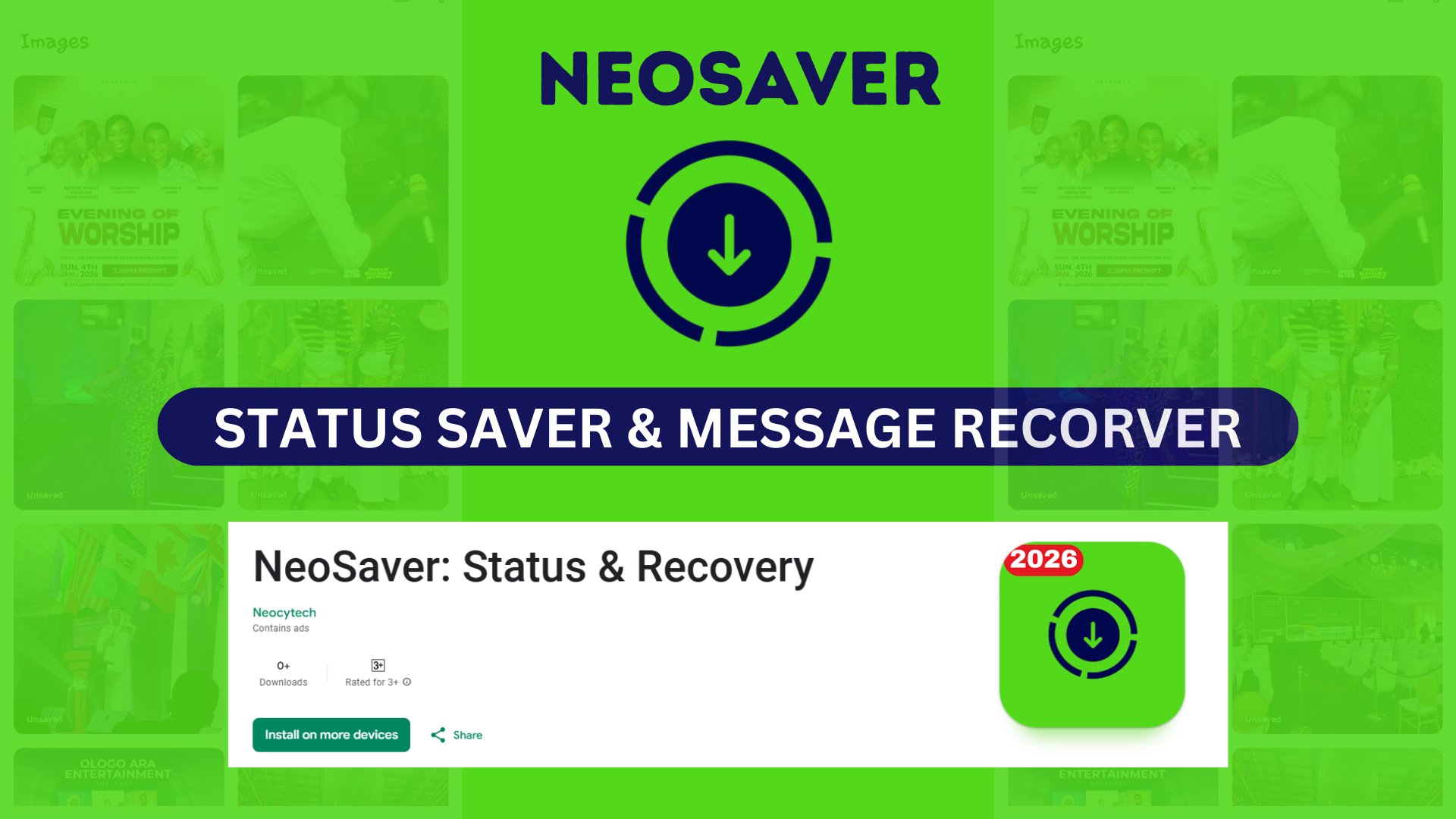
Recover Deleted WhatsApp Messages & Save Statuses Tools
Never Miss a Moment: How to Save WhatsApp Statuses and Recover Deleted Messages Instantly
We have all been there. You put your phone down for five minutes, and when you pick it up, you see a notification from a friend, followed immediately by the dreaded text: "This message was deleted."
The curiosity is instant and annoying. What did they say? Was it a secret? A typo? A funny meme? Usually, that message is gone forever. But what if it didn't have to be?
On the other hand, how often do you scroll through your WhatsApp Status feed and see a video that cracks you up or a photo you absolutely need to save? You ask your friend to send it to you, but they take hours to reply—or worse, they never do.
Neocytech understands these daily digital frustrations. That is why we are thrilled to announce the launch of our brand-new, all-in-one utility app on the Google Play Store. This powerful tool is designed to give you control over your WhatsApp experience, allowing you to download statuses, recover deleted messages, and start chats without saving numbers.
Here is everything you need to know about the app that is changing the way we use WhatsApp.
How to Save WhatsApp Statuses & Recover Deleted Messages
#whatsapptips #statussaver #messagerecover
1. The "This Message Was Deleted" Problem—Solved
There are few things more frustrating in modern communication than deleted messages. Whether it is a slip of the tongue from a partner, a deleted instruction from a boss, or just a friend being dramatic, the "Delete for Everyone" feature can be a headache for the recipient.
With the new Neocytech App, you no longer have to live in suspense.
How It Works
When you install the app, it works quietly in the background. It monitors your notifications so that if a message arrives and is subsequently deleted by the sender, our app has already captured the content for you.
- Read What Was Removed: You can view text messages that were deleted before you even opened the chat.
- Peace of Mind: No need to beg your friends to "please resend." You have your own record.
- Privacy Centric: The recovery happens locally on your device, ensuring your private conversations stay private.
This feature is a game-changer for anyone who values transparency in their chats and hates the feeling of missing out on crucial context.
2. Download and Keep Your Favorite Statuses
WhatsApp Status has become the primary way we share our daily lives—videos of birthday parties, funny TikTok reposts, inspirational quotes, and beautiful travel photos. However, WhatsApp intentionally makes these ephemeral; they disappear after 24 hours.
If you want to keep a status, you usually have to screenshot it (which ruins the quality) or screen record it (which captures interface buttons you don't want).
The Ultimate Status Saver
Our app serves as a high-quality WhatsApp Status Saver.
- Save Photos & Videos: With a single tap, download images and videos directly to your phone’s gallery.
- High Quality: Save media in its original resolution. No blurry screenshots or cropped images.
- Repost Instantly: Did a friend post a great video? Download it and repost it to your own status or share it on other social media platforms like Instagram or Facebook seamlessly.
Never lose a memory again. Whether it’s a video of your niece taking her first steps or a crucial announcement flyer, you can archive it permanently on your device.
3. Direct Chat: Message Without the Clutter
How many contacts do you have in your phone book that are just "Delivery Guy," "Plumber," or "Buyer from Marketplace"?
We often need to send a quick WhatsApp message to someone for a one-time transaction, but WhatsApp forces us to save their phone number to our contacts first. This clutters your phone book with numbers you will never need again and exposes your profile picture and "Last Seen" to strangers.
The Direct Chat Solution
The Neocytech app includes a Direct Chat feature that bypasses this annoyance.
- Enter Number, Start Chatting: Simply copy and paste the phone number into our app, and it will open a WhatsApp chat window with that person instantly.
- Keep Your Contacts Clean: No need to save temporary numbers.
- Enhance Privacy: By not saving their number, you can maintain your privacy settings (e.g., only showing your profile photo to "My Contacts").
This is an essential tool for business owners, freelancers, and anyone who uses online marketplaces.

Why Choose the Neocytech App?
There are many apps on the Play Store, but often they are filled with intrusive ads, buggy interfaces, or require complicated setups. At Neocytech, we focus on user experience.
User-Friendly Interface
We built this app to be intuitive. You don't need to be a "tech wizard" to use it. The layout is clean, the buttons are clear, and the navigation is smooth.
Lightweight and Fast
We know storage space is precious. Our app is optimized to be lightweight, ensuring it doesn't slow down your phone or eat up your battery life while it runs in the background.
All-in-One Convenience
Why download three different apps—one for saving statuses, one for recovering messages, and one for direct chat—when you can have them all in one powerful package?
How to Get Started
Ready to take control of your messaging experience? Installing the app is easy and takes less than a minute.
- Visit the Google Play Store: Click the link below to go directly to the app page.
- Click Install: Download the app to your Android device.
- Grant Permissions: For the app to function (specifically to read notifications for message recovery and access storage for saving statuses), you will need to grant the necessary permissions.
- Enjoy: Start downloading statuses and recovering messages immediately!
Download the App Here (Note: Please ensure you paste the full link provided in the prompt here)
What’s Next for Neocytech?
This app is just the beginning. At Neocytech, our mission is to create digital solutions that make your life easier and more entertaining.
We are actively working on a suite of new Tools & Games apps designed to enhance your mobile experience. We value your feedback, so once you download the app, please leave us a review on the Google Play Store. Your suggestions help us build better tools for you.
Conclusion
Don't let deleted messages leave you guessing, and don't let those precious video statuses disappear after 24 hours. Join the thousands of users upgrading their WhatsApp experience today.
Download the Neocytech app now, and share this news with your loved ones—because everyone deserves a better messaging experience!
Enjoy the rest of your day, and happy chatting!